
VIP Backstage Access Information
You’re getting access to a private VIP environment during the live webinar — separate from the main room — where your questions won’t get lost.
This is where Bryan actively watches and responds.
How VIP Access Works...
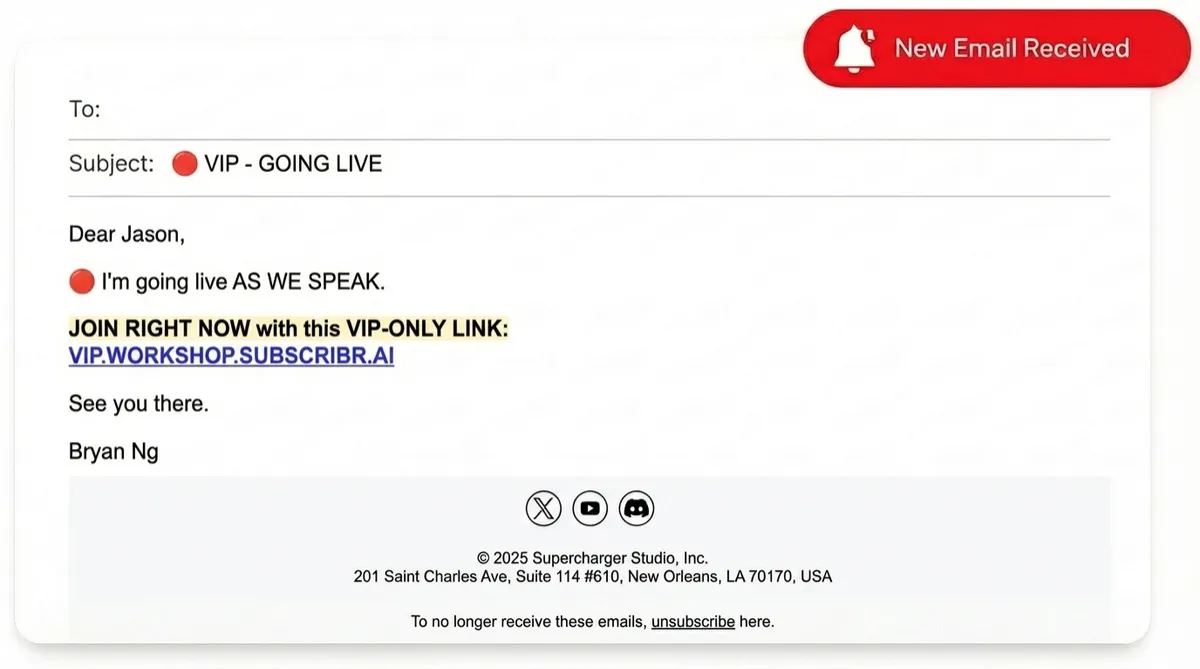
Watch Your Email (IMPORTANT)
About 15 minutes before the webinar starts, Zoom will send you a special VIP / Panelist invite email.
• The email comes directly from Zoom
• It includes a unique link
• You must use that link to join as a VIP
👉 When you join using that link, you’ll automatically be placed in the private VIP room and chat.

Didn't Get The Email? No Stress...
If you don’t see it:
1. Join the main webinar using the regular link below
2. Once inside, confirm your name in the Zoom chat
3. Then either:
• Text Bryan (if you’ve been receiving texts from him), or
• Email [email protected]
We’ll manually upgrade you to VIP / Panelist access.
👉 Main Webinar Link:
https://zoom.us/j/99922428846